 NTFS Writer
A little help.
A smoother experience.
From your first connection to your everyday workflow.
Get NTFS Writer
For Apple Silicon Macs running macOS 15.4 or later. Get NTFS Writer on the App Store.
Get on the App StoreYour first drive, in a few steps.
- Install the app
Install NTFS Writer on your Mac and follow the initial setup.
- Enable the file system extension
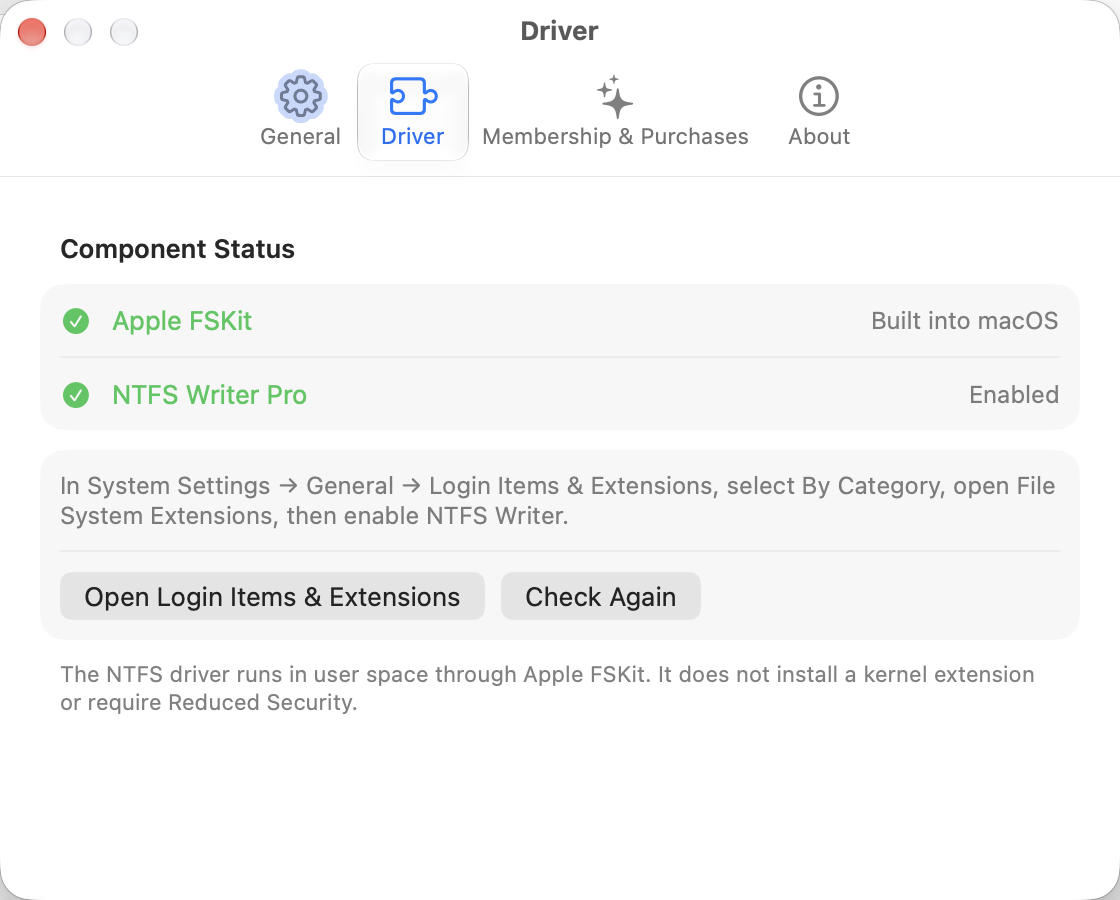
Open System Settings → General → Login Items & Extensions → File System Extensions, and enable NTFS Writer Driver. No disabling SIP or restarting.
- Check your entitlement and drive status
Purchase or restore access as needed, connect your NTFS drive and confirm read/write status before managing files in Finder.
- Disconnect safely
Eject the drive after transfers finish, then unplug it. Keep backups of important files.
Common questions, practical answers.
My drive still shows read-only
Check that the extension is enabled and your entitlement is valid, then reopen the app. Safely eject and reconnect the drive, and check its status again. If the volume is unhealthy or Windows was not fully shut down, back up and check the drive in Windows first. Do not force writes.
I can’t find the file system extension
Check your macOS version and launch NTFS Writer from its installed location. Go to System Settings → General → Login Items & Extensions → File System Extensions, and find NTFS Writer Driver. Labels may vary by macOS version.
A purchase isn’t recognized, or I changed Macs
Sign in with the Apple account used for purchase. Connect to the internet and select Restore Purchases in the app’s membership screen. Annual subscriptions must still be active. Do not send us your Apple password or complete payment credentials.
How do I cancel or request a refund?
Manage or cancel subscriptions in your App Store account settings. Request a refund at Apple’s Report a Problem page; eligibility is determined by Apple and applicable law. Deleting the app does not cancel your subscription.
How do I uninstall?
Stop transfers and safely eject drives. Disable launch at login in the app’s settings and quit. Disable the NTFS Writer file system extension in System Settings, then remove the app. Contact us for version-specific locations if you wish to remove preferences or entitlement caches, to avoid deleting other app data.
Still need a hand?
Include your macOS version, app version, Mac chip, drive format, steps to reproduce and any error message. Redact personal information from screenshots. You do not need to send private disk files.
lu517300599@gmail.com